

- PC Material
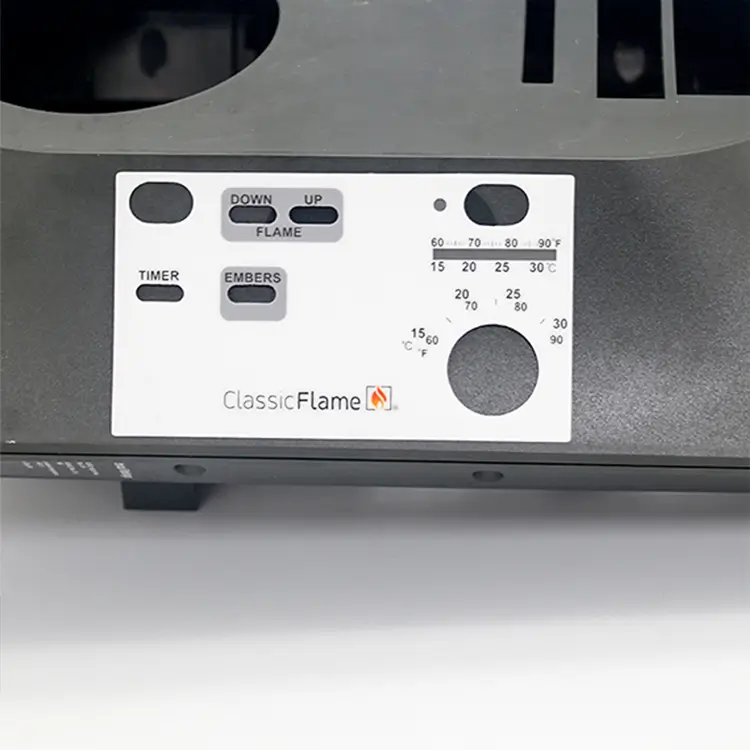
The thinnest of PC is 0.03mm. It has better comprehensive indexes of physical and chemical properties. In addition, it is resistant to high temperature and has good processing adaptability.
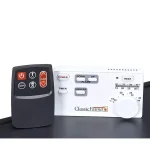
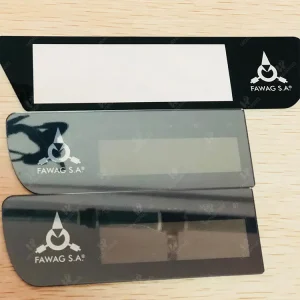
PC control panal labels can be processed into matte finish surface and glossy finish surface. Matte finish can not be disturbed by the light and can also mask scratches, while glossy finish has bright colors and is more suitable decoration.
- PET Material
PET has good transparency, high gloss, high corrosion and abrasion resistance, excellent mechanical properties and outstanding insulating properties.
PVC has good ductility, chemical corrosion resistance and very strong insulating properties. PVC control panel labels can also be processed with matte finish surface and glossy finish surface. And, PVC control panel labels can processed with three-dimensional graphics by cold pressing.
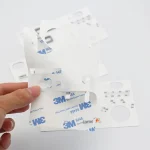
Choose the right double-sided adhesive according to the material can ensure that control panel labels closely fit the equipment, and avoid blistering or peeling phenomenon.
Reasonable Design
When customizing control panel labels, the design should be based on the panels of the equipment. Followings are some tips for the designs of control panel labels.
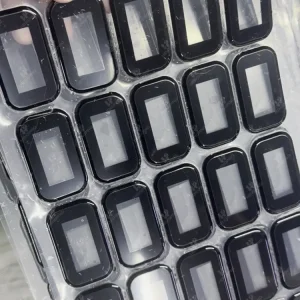
- When there is a display window on the surface of the equipment, the edge of the window where the background color of the panel label is located must be smaller than the window to avoid leakage.
- If the keyboard of the equipment has a contour line, it usually should choose the line width between 0.5mm-0.75mm, too small or too large is not beautiful.
- The size of the keys on the control panel sticker should usually not be less than 10mm, and the height of the key bump is preferably between 0.4mm and 0.6mm. The position should start from the inner edge of the equipment key contour line, so that the keyboard touch more prominent, looks more three-dimensional sense.
Proper Installation Method
Finally, finding the right way to install the control panel labels or stickers can make it work as it should.
- Before sticking control panel labels, use paper or dry towel to gently wipe the surface of the sticker to ensure that it is flat and smooth with no bumps and no dust adhering to it.
- Tear off the double-sided adhesive on the back of the panel label and center it quickly and accurately on the surface of the equipment to ensure that there is no bulging.
- When replacing control panel labels, use a hot air gun or other tools to heat the labels, and then tear it off after it cools down to maximize the protection of the equipment surface.








 English
  French
  German
  Spanish
  Portuguese
  Italian
  Dutch
Dutch  Turkish
  Russian
  Arabic
  Japanese
  Korean
  Vietnamese
  Thai
Thai  Indonesian